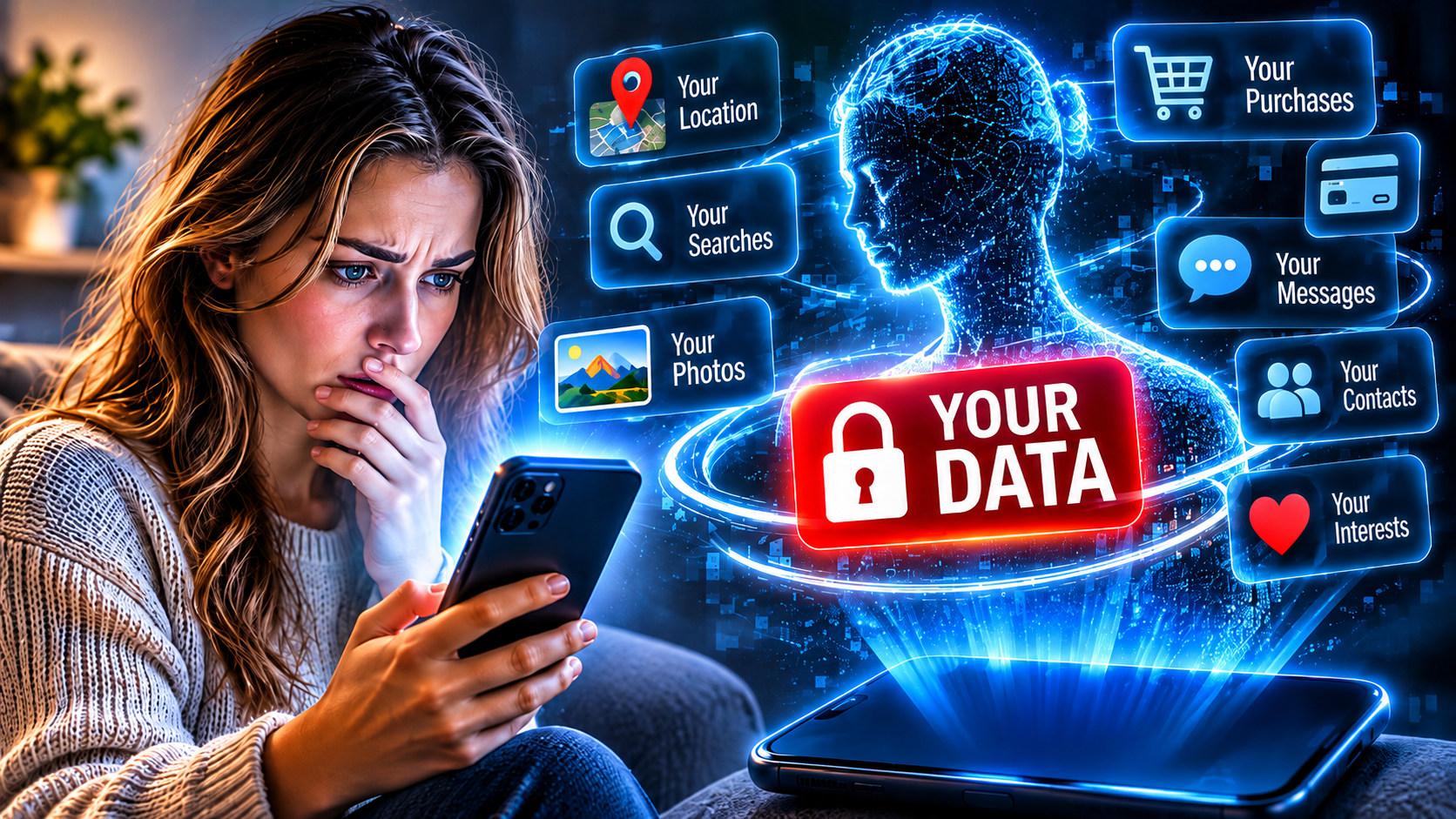
Your phone may know which restaurants you visit, what products catch your attention, which videos you watch and, in some cases, where you go throughout the day. Much of that information comes from apps you use without giving it a second thought.
A weather app might request your location. A shopping app may remember every product you view. A social media platform can record which posts you stop scrolling to watch, which videos you finish and what you search for.
Individually, these details might seem harmless. But when information is collected over weeks, months or even years, it can create a surprisingly detailed picture of your interests, habits and daily routine.
The bigger question is what happens to all that information after an app collects it. Who can access it, how is it used, and how much control do you really have over what you share?
What Information Can Apps Collect?
The amount of information an app collects depends on what it does, how it is designed and the permissions it receives. Some apps collect only the information needed to provide a particular service. Others gather a wider range of details for analytics, personalization and advertising.
Common categories of information include:
Personal details: Your name, email address, phone number, age and other information provided when creating an account.
Location information: Your approximate or precise location, depending on the permissions you grant and the app’s technology.
Device information: Your phone model, operating system, language settings, IP address and certain device identifiers.
Usage activity: Which features you use, what you search for, what you click and how long you spend using an app.
Purchase information: Products you view, shopping activity, subscriptions and transaction history.
Contacts and media: Depending on permissions, access to your contacts, photographs, videos, microphone or other information stored on your device.
Technical information: Crash reports, performance information and details that help developers understand how an app operates.
Apple’s App Store privacy disclosures and Google’s Play Store Data safety section identify many of these categories, including location, contacts, photos, purchase history, search activity and device identifiers.
Not every app collects all these types of information. A calculator, for example, generally has very different data requirements from a social media platform or navigation service.
The important distinction is that the information you deliberately enter is only one possible source of data collection.
Your Everyday Activity Can Reveal More Than You Think
One of the most interesting aspects of app data collection is how ordinary actions can reveal patterns about someone’s life.
Imagine someone who regularly searches for camping equipment, watches outdoor adventure videos, checks weather forecasts for particular locations and browses travel accommodation.
Each activity provides a small piece of information. Together, they may suggest that the person enjoys outdoor activities, is interested in travelling and could be considering a camping trip.
Shopping activity can reveal similar patterns. Repeatedly viewing certain products, comparing prices or searching for specific brands can help companies understand what someone might be interested in purchasing.
Social media platforms can also learn from how people interact with content. Watching a video to the end, repeatedly visiting a particular page or engaging with certain topics can help determine what content appears in future recommendations.
This is one reason online advertisements can sometimes feel remarkably well targeted. Companies may use information about browsing activity, interests and previous interactions to decide which advertisements are most relevant to a particular audience.
It does not mean every app can see everything you do on your phone. What an individual service can access depends on its permissions, technology and applicable privacy rules. However, information collected across different services can become valuable when combined.
Can Apps Track Your Location?
Location information is among the most revealing types of data a smartphone can provide.
Navigation apps obviously need location information to calculate directions. Ride-sharing services use it to connect passengers with drivers, while weather apps can use it to provide local forecasts.
But location data can also be used for purposes beyond providing directions or showing the weather.
Depending on the app and the permissions granted, location information may help establish which places someone visits, how frequently they return and how their movements change over time.
For example, repeated location records could reveal that someone regularly visits the same workplace, shopping centre or fitness facility. A collection of location points over several weeks may reveal considerably more about someone’s routine than a single reading.
Apps do not necessarily need continuous access to precise GPS information to make location-based estimates. Depending on the technology and available information, approximate location can sometimes be inferred through an internet connection or nearby networks.
Both Apple and Android provide controls that allow users to manage location access. On supported devices, people can choose between different levels of access, including allowing an app to use location only while it is being used.
How Do Apps Make Money From Your Information?
Not every app collects information for the same reason. Some data is essential to providing a service, while other information helps companies improve their products, understand their audiences or generate revenue.
Advertising is one of the biggest reasons user information can be valuable.
Many free apps rely on advertising to generate income. Information about interests, activity and preferences can help advertising systems determine which advertisements to show.
For example, someone who frequently browses travel websites or watches videos about international destinations may be more likely to encounter advertisements for flights, hotels or travel services.
Some companies also work with outside analytics providers and advertising partners. These relationships can involve sharing certain information or identifiers, depending on the app’s practices and the purposes involved.
Apple specifically defines certain forms of tracking as linking information collected by an app with information from other companies’ apps, websites or offline services for advertising or measurement purposes, or sharing information with data brokers.
That distinction matters because collecting information to make an app function is not necessarily the same as sharing information for advertising or other commercial purposes.
It is also worth remembering that free apps are not automatically selling personal information. Some rely on advertising, while others make money through subscriptions, purchases or other business models.
Can Apps Access Your Camera, Microphone and Photos?
Many smartphone apps request access to features such as the camera, microphone, contacts and photo library.
Some requests are perfectly reasonable. A messaging app needs camera access to take pictures, while a video-calling service needs microphone access to transmit your voice.
The concern arises when an app requests access that does not appear necessary for its main purpose.
A simple game, for example, may not need access to your contacts. A basic calculator generally has little reason to request access to your microphone.
Modern smartphones include permission controls designed to limit this access. On iPhones, users can review permissions under Settings and Privacy & Security. Android also provides a Privacy section where users can manage app permissions.
Apple says its devices display indicators when an app uses the camera or microphone, helping users recognize when those features are active.
However, granting permission does not mean an app is necessarily recording everything or constantly accessing the feature. It means the app has been given the ability to access it under the conditions allowed by the operating system.
Reviewing permissions is a simple way to reduce unnecessary access to personal information.
Does Deleting an App Remove Your Personal Information?
This is something many people overlook.
Deleting an app from your phone does not necessarily delete the information the company has already collected.
For example, removing a shopping app may stop it from accessing your device in the future, but your account information, previous orders and other stored records may remain on the company’s servers.
The same can apply to social media accounts, subscription services and other platforms that store information remotely.
In many cases, users need to delete their accounts separately or submit a request asking the company to erase eligible personal information.
The process depends on the company’s policies and the privacy laws that apply to the user. Some information may also be retained for legitimate legal, security or business reasons.
It is important to understand that deleting an app, deleting an account and requesting the deletion of personal information are three different things.
Can You See What Information an App Collects?
Yes, although the available information and level of detail vary between platforms.
Apple provides App Privacy information on App Store listings. These disclosures identify categories of data an app may collect and whether certain information is linked to the user’s identity or used for tracking.
Google Play provides a Data safety section that describes the types of information developers say their apps collect or share, along with the purposes for using that information.
These disclosures can be useful before downloading an app, especially when it requests access to sensitive information.
However, they are not a guarantee that an app collects no other information under different circumstances. They depend on developers accurately describing their data practices, and collection can vary depending on how a service is used.
You can also review an app’s privacy policy to learn more about what information it collects, how it uses that information, whether it shares data with outside companies and how long it retains records.
How to Reduce the Amount of Information Apps Collect
You do not need to stop using smartphone apps to improve your privacy. A few simple changes can help reduce unnecessary data collection.
1. Review app permissions
Check which apps have access to your location, camera, microphone, contacts and photos. Remove permissions that are not necessary for the features you use.
2. Limit location access
If an app does not need your location when you are not actively using it, consider restricting access to only when the app is open.
3. Check privacy disclosures before downloading
Look at the App Privacy information on Apple’s App Store or the Data safety section on Google Play. These disclosures can help you understand what developers say their apps collect and share.
4. Be careful with unnecessary account information
Some services request details that are not essential to their main function. Avoid providing additional personal information unless there is a clear reason to do so.
5. Review connected accounts
Signing into different apps using the same social media or online account can connect services that you might otherwise keep separate. Check what information you are allowing those services to share.
6. Remove apps you no longer use
Unused apps can create unnecessary privacy and security risks. Removing them can prevent future access to your device, although it does not automatically erase information already stored by the developer.
7. Keep your phone and apps updated
Software updates can include security improvements and privacy protections. Installing updates helps ensure your device benefits from the latest available safeguards.
The Canadian Centre for Cyber Security also recommends limiting the information shared with apps and reviewing the permissions granted to them.
Are There Laws Protecting Your Personal Information?
Privacy protections vary depending on where you live, but several major jurisdictions have introduced laws governing how organizations collect, use and share personal information.
In the European Union, the General Data Protection Regulation (GDPR) establishes rules for processing personal data and provides individuals with rights concerning how their information is handled.
In California, the California Consumer Privacy Act, as amended by the California Privacy Rights Act, gives eligible residents rights that include knowing what personal information businesses collect and requesting its deletion, subject to applicable exceptions.
In Canada, federal private-sector privacy legislation and certain provincial laws regulate how organizations handle personal information. The Office of the Privacy Commissioner of Canada emphasizes that people should be informed about why their information is being collected and how it will be used.
These laws do not all provide identical protections, and their application depends on factors such as where someone lives, where a business operates and the type of information involved.
The broader point is that personal data has become important enough to warrant legal protections in many parts of the world. However, users should not assume that every app follows identical rules or that the same privacy rights apply everywhere.
Your Phone May Know More Than You Realize
Smartphone apps have made everyday life easier, from finding directions and ordering food to managing finances and staying connected with friends.
But many of these services also collect information about the people who use them. Some of that information is necessary to provide the service. Other details can help companies understand behaviour, personalize content and support advertising.
The concern is not that every app is secretly recording everything you do. It is that small pieces of information, collected across different services and over time, can reveal a surprisingly detailed picture of your life.
You may not be able to avoid data collection entirely, but you can make more informed decisions about which apps you use, what permissions you grant and how much information you share.
Your phone does not need to know everything about you to be useful. The next time an app asks for access to your location, contacts or microphone, it is worth asking one simple question:
Does this app really need that information to do what I downloaded it for?
SOURCES: Apple, Google, Canadian Centre for Cyber Security, Office of the Privacy Commissioner of Canada, European Commission, California Privacy Protection Agency.