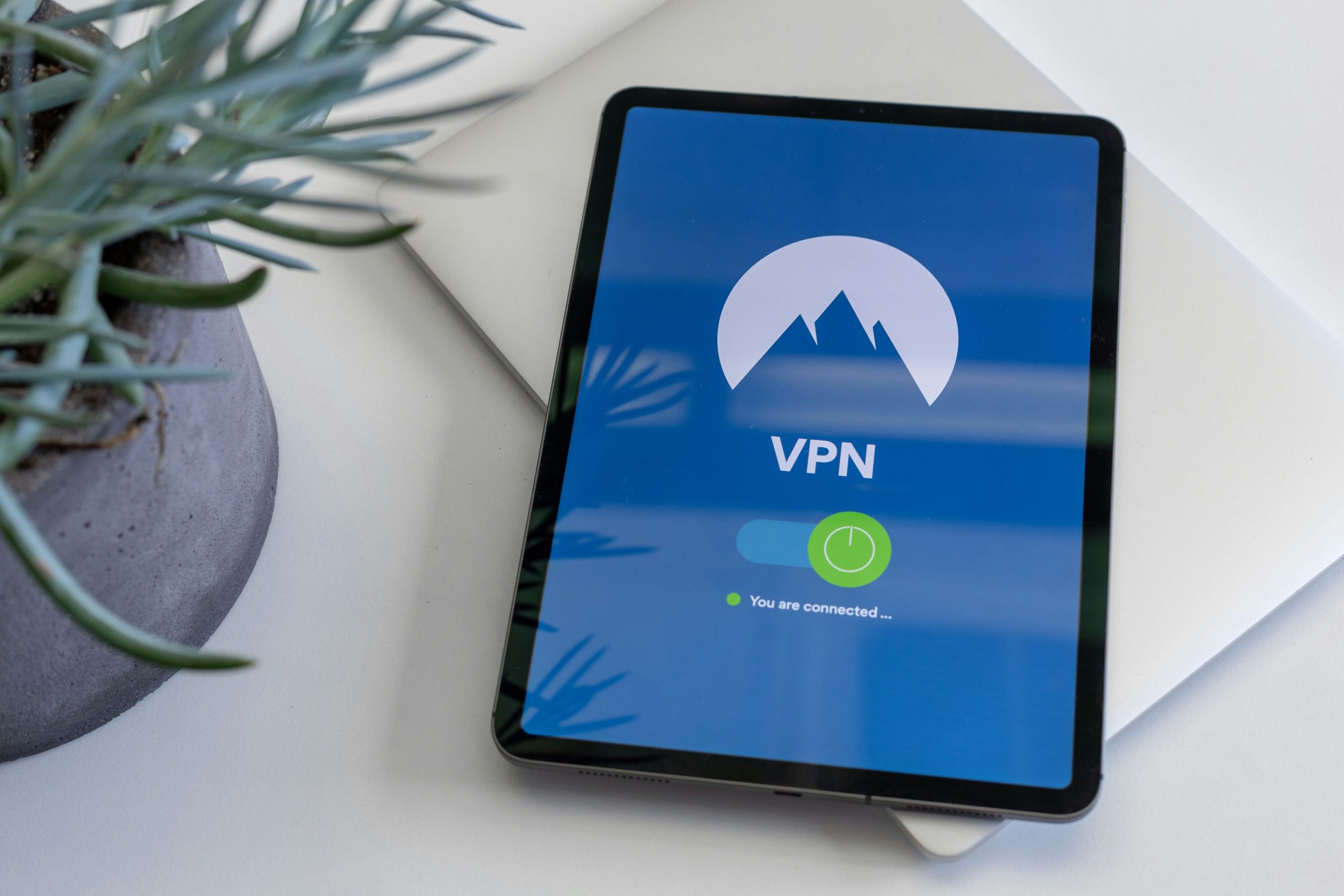
A VPN does two main things. It builds an encrypted tunnel from your device to a server run by the VPN company. It makes websites and other internet services see that server’s IP address instead of the one your internet provider assigned you.
It does not hide you from the site you log into. It does not erase cookies. It does not stop malware. It does not encrypt the whole internet — only the hop to the VPN server. After that hop, ordinary HTTPS still has to protect the page itself.
That split is the whole article.
How the tunnel works
Your device normally sends packets through your home router or phone network. Your internet service provider (ISP) can see the destinations those packets head toward, even when the page contents are encrypted with HTTPS. The domain can still leak through DNS lookups and, on many connections, through the Server Name Indication field in the TLS handshake.
With a VPN on, the device wraps those packets and sends them to one address: the VPN server. Your ISP sees a connection to that server, how long it lasts, and how much data moves. It does not see which websites sit on the other side of the tunnel, assuming the tunnel is up and DNS is going through it.
The VPN server unwraps the traffic and forwards it. The website sees a visitor from the VPN’s IP, in the VPN server’s city or country.
You have moved trust. The ISP sees less. The VPN company can see what the ISP used to see, unless the destination is already encrypted with HTTPS — in which case the provider sees destinations and timing, not page contents.
What a VPN does
A working VPN encrypts traffic between you and the VPN server. That matters on public Wi-Fi, where others on the same network could otherwise watch unencrypted sessions.
It hides your real public IP from most websites and from other people on the local network.
It hides your destination list from your ISP while the tunnel is working.
It lets you appear to connect from another region, which is why people use VPNs for travel or geo-restricted services.
If it is a system VPN, it can cover the whole device, not only the browser.
A VPN only changes how your data leaves your device. It does not change what a website already knows about you.
What a VPN does not do
It does not make you anonymous. The VPN company still knows your real IP at sign-in and can often see destination IPs. “No logs” is a company policy. A customer cannot verify that policy in real time, and it is not a law of physics.
It does not hide activity inside an account. If you sign into email, a bank, or social media, that service knows which account is acting. The IP changed. The identity did not.
It does not delete or block cookies, logins, or advertising identifiers already in the browser.
It does not stop browser fingerprinting — screen size, fonts, time zone, and similar signals that can re-identify a browser after the IP changes.
It does not protect a device that already has malware. Malware reads the screen and files on your machine, inside the tunnel.
It does not stop phishing. A fake login page still works if you type the password.
It does not guarantee that streaming or banking sites will accept the connection. Many block known VPN ranges.
It does not encrypt the path from the VPN server to the website. HTTPS still has to do that job.
The important middle: leaks
A connected VPN and a leak-free VPN are different states. Three common leaks keep showing up in tests.
A DNS leak happens when your computer asks a name server “what IP is this website?” and that query goes to your ISP instead of through the tunnel. The ISP still gets a list of domains. Windows multi-homed DNS has been a recurring source of this.
An IPv6 leak happens when a VPN hides your older internet address but not the newer one. A website can then use that newer address to see your real connection.
A WebRTC leak comes from the browser. Browsers use WebRTC for calls and some peer-to-peer features. The browser can ask the operating system for network interfaces and talk to STUN servers in ways that bypass the tunnel. Modern browsers have reduced casual public-IP leaks, especially without camera or microphone permission, but a mis-routed IPv6 path or a missing firewall still matters. A kill switch that drops non-tunnel traffic reduces this class of failure.
Timezone, language, and installed fonts can also contradict a “you are in Tokyo” IP. That is not a tunnel bug. It is the browser telling the truth about the device.
VPN vs proxy vs Tor
These three get sold as synonyms. They are not.
A typical VPN moves most or all device traffic. It encrypts the path to one company server. That company can see both your real IP and your destinations. Your ISP sees that you are using a VPN, not which sites you opened. Speed is usually fine for daily use. The tradeoff is trust in one company.
A typical proxy often covers only one app or browser. Many proxies add little or no encryption. The proxy operator can see both ends. Your ISP still sees destinations for anything that is not sent through the proxy. Proxies can be fast. Privacy is weak.
Tor, used as designed in Tor Browser, moves that browser’s traffic through three relays with layered encryption. No single relay is supposed to see both your home IP and your destination. Your ISP sees that you are using Tor, not the inner sites. It is slower, and many sites block or challenge it. The tradeoff is friction in exchange for a different threat model.
A proxy that only changes an IP in one browser tab is not a VPN. Tor is also not a VPN. It is built for privacy, not for everyday streaming, so it is often slow and sites may block it.
Split tunneling and kill switches
Split tunneling sends some apps through the VPN and leaves others on the raw connection. That is useful for a work app that breaks on a foreign IP. It also means those left-out apps expose your real IP on purpose.
A kill switch is really a firewall rule. It blocks the internet if the tunnel drops. Without it, a brief disconnect can send traffic under your real IP, including DNS lookups, onto the open network. If you use a VPN for privacy, that switch is the difference between being protected most of the time and being protected even if the app fails.
Canada, ISPs, and jurisdiction
A Canadian ISP can still see that a household is connected to a VPN and how much data that session uses. It should not see the inner destinations while the tunnel and DNS path hold.
Canada belongs to the Five Eyes group with the United States, the United Kingdom, Australia, and New Zealand. Those countries share intelligence. Some VPN ads say a company is safer just because it is based outside that group. That overstates it.
A VPN company has to follow the law where it is based, wherever that is. Countries can also ask each other for records. What matters more is whether the company keeps little or nothing to hand over. A company in a “privacy-friendly” country that stores connection logs can still give those logs up. A company that does not store them has less to give.
PIPEDA applies to many private-sector organizations engaged in commercial activity, although Alberta, British Columbia and Quebec have substantially similar provincial privacy laws that generally apply instead to relevant in-province activities. It does not rewrite the physics of a tunnel, and it does not make a foreign VPN “PIPEDA certified” by slogan. Read the actual privacy policy for what is collected: account email, payment record, connection timestamps, last IP.
Worked example
You open a café Wi-Fi and turn a VPN on, then sign into email.
The café network sees encrypted traffic to one VPN server. Other customers on that Wi-Fi do not get a readable copy of your password from the path. HTTPS would already have blocked that on a well-built site. The VPN adds a wrapper around everything, including apps that are sloppy.
Your email provider still sees your account name, your messages, and an IP belonging to the VPN. If you had already stored a tracking cookie from a shopping site, that site still knows the same browser came back.
If the VPN app dies for ten seconds and there is no kill switch, the next request can leave the café network under your real IP.
Common misconceptions
“HTTPS means I don’t need a VPN.” HTTPS hides page contents from the path. It does not hide from the ISP which sites you contacted, and it does not change your IP.
“Encrypted DNS replaces a VPN.” Encrypted DNS hides the lookup from the ISP. The connection still goes to a visible destination IP, and SNI can still name the site on many setups.
“A free VPN is the same machine with a lower price.” Some free services fund themselves by collecting or selling data. Treat free consumer VPNs as high-trust-cost, not as equivalent infrastructure.
“VPN equals antivirus.” Different layer.
Limits
Protocols such as WireGuard, OpenVPN, and IKEv2 differ in speed and setup. The does-and-does-not list above does not depend on picking a winner among them. Enterprise “VPNs” that only reach a company network are a related but distinct product: they protect the path to the office, not your weekend browsing.
This article is general information about how consumer VPNs work. It is not legal advice, not a security audit, and not a recommendation of any product.
Concise answer
A VPN encrypts traffic to a provider’s server and hides your real IP from most websites and from your ISP’s destination log. It does not make you anonymous, does not hide logged-in identity, does not stop cookies or malware, and does not encrypt the internet beyond that server. Use it for a specific path problem. Do not treat it as a cloak.
SOURCES: Privacy Guides; Office of the Privacy Commissioner of Canada (PIPEDA overview); public summaries of the Five Eyes arrangement; NCSC guidance on VPNs; common technical write-ups of DNS, IPv6, WebRTC, TLS/SNI.